Distribution and spacing
Distribution involves setting an even distance between layer content across multiple layers.
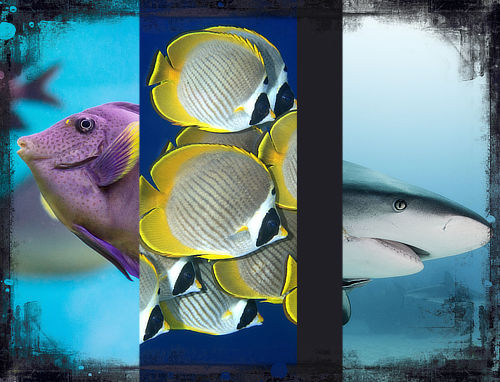

Spacing ensures there is an equal distance between the edges of layer content.

Layer content across multiple layers can be distributed or spaced evenly on the page using the Arrange commands.
Distribution involves setting an even distance between layer content across multiple layers.
Spacing ensures there is an equal distance between the edges of layer content.
Settings can be adjusted from the Arrange pop-up panel on the Toolbar. Distribution is always carried out within the selection bounds:
 Space Horizontally—evenly distributes selected layers' contents horizontally.
 Space Vertically—evenly distributes the selected layers' contents vertically.
 To distribute layers' contents: