Duplicating
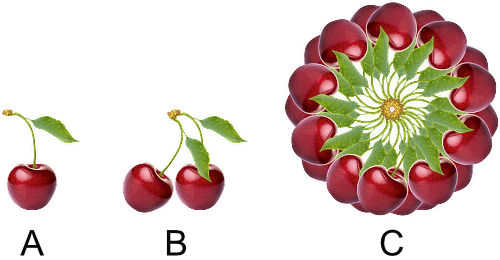
Affinity Photo lets you make duplicate layers to increase workflow or to temporarily create a 'backup' layer. A power duplicate feature also allows you to duplicate and repeatedly transform layer contents.
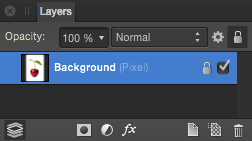
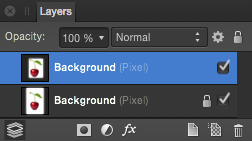
Affinity Photo lets you make duplicate layers to increase workflow or to temporarily create a 'backup' layer. A power duplicate feature also allows you to duplicate and repeatedly transform layer contents.
Do one of the following:
If you duplicate a layer(s) and then transform the duplicated contents, you can immediately duplicate the transformed content. The transform is applied accumulatively to subsequent duplicates.