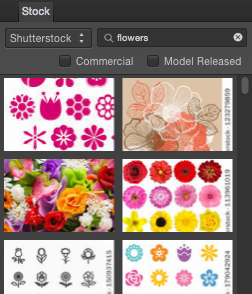
About the Stock panel
The panel acts as an in-app image browser which connects to one of several photo providers (e.g., Shutterstock). You can search the provider's images, browse image thumbnails, add stock images to the page and purchase the photo within the panel.