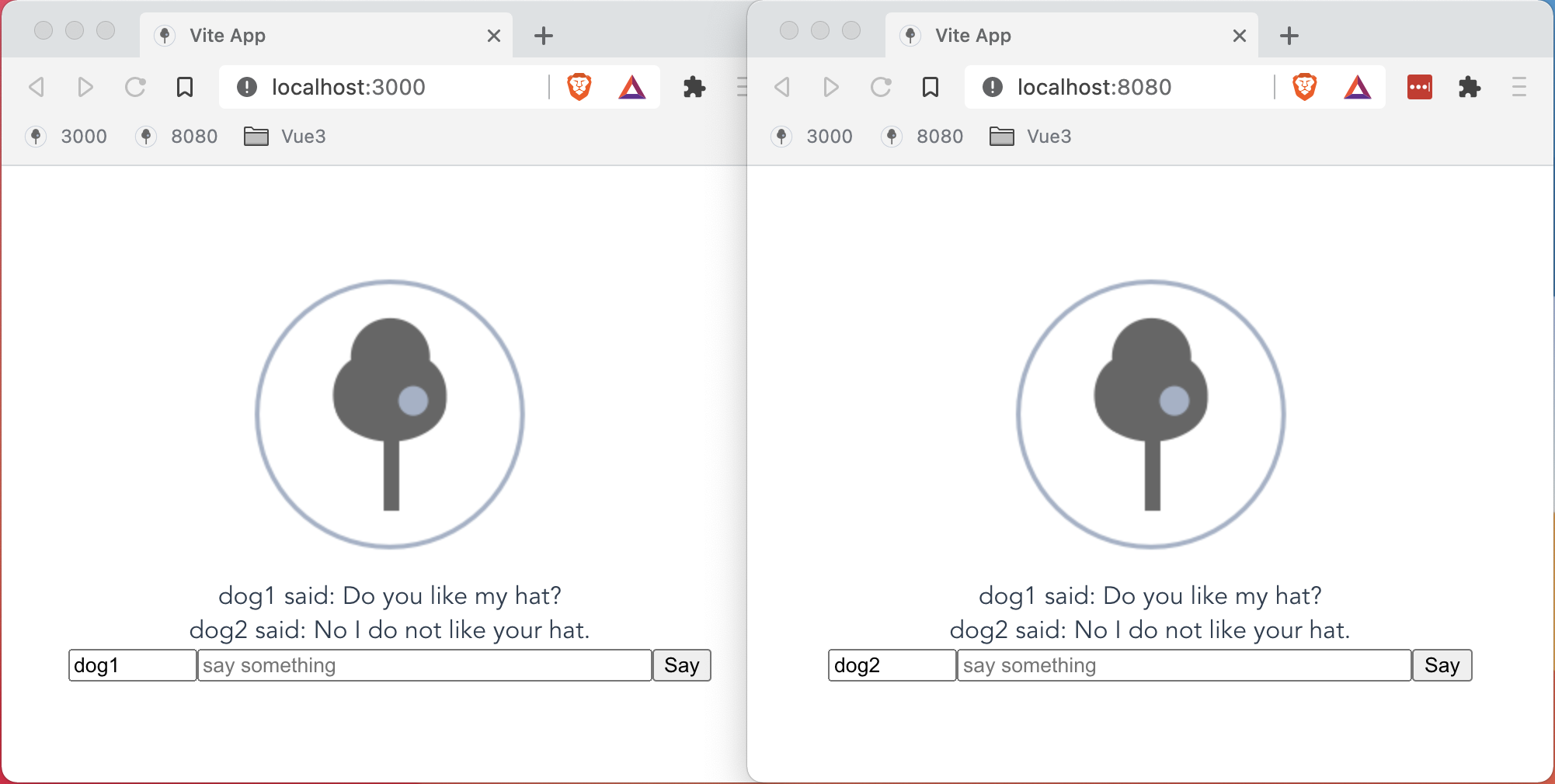
This article is a follow on from Realtime Chat with Vite, Vue3 and Python Tornado. In that article I suggested that I could provide a view of pylint, axblack, pytest and sphinx. I use Atom, but others are excellent too, such as VS Code, Eclipse and PyCharm. Atom has plug-ins to make it a usable python ide: language-python, python-black, linter-pylint, platformio-ide-terminal, to name but a few.
By engineering I mean tested, consistent, documented code. So let's start setting up some tools to make this less daunting.
In this artcile I'll be concentrating on python and cover javascript in another article when I address my appalling gui.

The tools:
To place these tools into our environment we'll adapt our use of pip. We'll create two files to express the development and production configurations of python: dev.txt and requirements.txt. Dev will be used by our Makefile and Requirements by our Dockerfile.
tornado
-r requirements.txt
invoke
pytest
pytest-coverage
pytest-benchmark
pytest-tornasync
pylint
axblack
pyyaml
sphinx
recommonmark
sphinx-autoapi
bumpversion
wheel
twine
nodeenv
NB. you should be putting version numbers beside these requirement packages. At the time of writing I was actually using tornado==6.1 - pip freeze will tell you what you've actually got. During development I leave them off so as to test
for conflicts on the latest versions; if I find any, I lock down.
setup:
	if which python3 && [ ! -d venv ] ; then python3 -m venv venv ; fi
	source venv/bin/activate \
		&& python -m pip install -q -U pip \
		&& pip install -r dev.txt \
		&& if [ ! -d nenv ] ; then nodeenv nenv; fi
We've told pip to use our dev.txt which includes our requirements.txt - no duplication wherever possible. By running make setup, your environment will be updated to contain the new packages.
I alluded to docker in the previous article. It's simple to setup with two files: Dockerfile, docker-compose.yml. The first describes your container and the second enables you to run it locally.
FROM python:3-alpine as base

FROM base as builder

RUN mkdir /install

WORKDIR /install

COPY requirements.txt /requirements.txt

RUN pip install --prefix=/install -r /requirements.txt

FROM base

COPY --from=builder /install /usr/local

COPY . /app

WORKDIR /app

# Make port 80 available to the world outside this container
EXPOSE 80

CMD ["python", "-m", "chat.main", "--port=80"]
Our Docker file uses multi-phase build to extend the base python image with our requirements.txt and then layered atop is our app. We expose a web port and specify our command to run the app.
version: '3'
services:
  web:
    build: .
    volumes:
        - .:/app
    image: chat:latest
    container_name: chat
    ports:
      - "8080:80"
    command: python -m chat.main --port=80 --debug=true
Here we declare our build and run-time environment. We map our project directory to our container's app directory for hot-reloading and map a local port to a container port so that our browsers can see the app. We also override the command with a debug option so we can see our changes should we make them.
To run the container: docker-compose build, followed by docker-compose up.
Invoke is a marvellous tool for those who cannot remember command line interfaces. You can write simple macros to do all your dev tasks. Just create a tasks.py in the root of your project:
""" our dev tasks """
from invoke import task


@task(help={'debug': 'run in hot-reload mode'})
def server(ctx, debug=False):
    """ run our python server """
    ctx.run(f'python -m chat.main --debug={debug}')


@task
def client(ctx):
    """ run our vite server """
    ctx.run('. nenv/bin/activate && cd client && npm run dev')


@task
def build(ctx):
    """ build our vue client """
    ctx.run('. nenv/bin/activate && cd client && npm run build')


@task
def docker(ctx):
    """ build & run our docker server """
    ctx.run('docker-compose build')
    ctx.run('docker-compose up')
Activate your venv and you run invoke -l or the short-cut inv -l. You'll see the help text.
% . venv/bin/activate
% inv -l
Available tasks:

  build    build our vue client
  client   run our vite server
  docker   build & run our docker server
  server   run our python server
Notice that invoke is self documenting - try inv --help server. If we run our server now, it has a flag option for debug so we can run in debug mode by calling inv server -d.
Using all the tools we've installed we need to configure them. Each tool has its own config file, but most of them also look for setup.cfg.
[pylint.'MESSAGES CONTROL']
disable=
    too-few-public-methods,
    abstract-method

[isort]
line_length = 79

[tool:pytest]
addopts = -p no:warnings --capture=sys --cov chat --cov-report term-missing
filterwarnings =
    ignore::DeprecationWarning
testpaths =
    tests
This file holds the configurations for pylint, axblack and pytest. So let's use pylint and axblack.
black is a wonderful tool. Type away and it will clean up after you. Sadly, black itself goes for double quotes only. We live in a json world and snippets live in single quotes. So axblack gives you the opinionation of black, but expects double quotes for comments and single quotes for code.
We just add a task to tasks.py:
@task
def lint(ctx):
    """ run axblack and pylint """
    ctx.run('black chat')
    ctx.run('pylint chat')
And to run it: inv lint. You should find unchanged files and 10.00/10! If not - fix it! Fixing it means either live with the badness and add to the
setup.cfg and conform. Conforming is a contortion but following through I've found interesting changes to my code style, if nothing else.
Pytest is the swiss army knife of python testing tools. With the extension in our dev.txt we will be able to test, determine coverage and performance and we have helpers for tornado and async code.
First create a tests package and add a module: tests/conftests.py. This file will contain our fixtures - pytest's useful reusables for setting up tests.
""" our test fictures """
import pytest
from tornado.httpclient import HTTPRequest
from tornado.websocket import websocket_connect
from chat.main import make_app


@pytest.fixture
def app():
    """ return a tornado application """
    return make_app()


@pytest.fixture
async def ws_client(http_server, http_server_port):
    """ return a websocket client """
    request = HTTPRequest(f'ws://localhost:{http_server_port[1]}/ws')
    result = await websocket_connect(request)
    return result
We want to test our websocket and to do that we'll need an app fixture as required by pytest-tornasync. We also return the result of tornado's
websocket_connect as documented here.
""" test websocket client """
import asyncio


async def test_ws(ws_client):
    """ test message send and receive """

    message = 'hello, world'

    client = await ws_client
    await client.write_message(message)
    response = await client.read_message()
    print(response)
    assert response == message

    client.close()
    await asyncio.sleep(0.01)
To run the test call:
% pytest
NB. Fixtures are functions and they are called as they are marshalled into your test's arguments. Since our ws_client is a coroutine we end up with an awaitable. In our async test we can await the result. Other fixtures do not need this
extra step.
Our test is simple, we await our client, write a message, read a message and assert they are the same. Then we tidy up and... Our coverage is not 100%. First I #pragma nocover the chat.main.main function and the if __name__ == '__main__' because they are tested all the time - but we have one more edge case that is not covered - CORS. To do this we have to fake a call from another domain. So we add the following fixture to conftest.py:
@pytest.fixture
async def ws_bad_client(http_server, http_server_port):
    """ return a websocket client """
    request = HTTPRequest(
        f'ws://localhost:{http_server_port[1]}/ws',
        headers={'Origin': 'http://locahost:3000'},
    )
    result = await websocket_connect(request)
    return result
The add the following two tests to test_ws.py:
async def test_ws_cors_failure(ws_bad_client):
    """ test message send and receive """

    try:
        await ws_bad_client
        assert False, 'should have returned 403'
    except HTTPClientError as ex:
        assert ex.code == 403


async def test_ws_cors_success(ws_bad_client, app):
    """ test message send and receive """

    message = 'hello, world'
    app.settings['debug'] = True
    client = await ws_bad_client
    await client.write_message(message)
    response = await client.read_message()
    print(response)
    assert response == message

    client.close()
    await asyncio.sleep(0.01)
Now running the test should produce 100% coverage!
We'll create a task in tasks.py to help with our workflow.
@task
def test(ctx):
    """ run our tests """
    ctx.run('pytest')
Now that we can run and test our code, let's document it. Shinx is already in the dev.txt with some extension. To begin our sphinx project we'll call:
% mkdir docsrc
% cd docsrc
% sphinx quickstart
and answer all the questions (NB. defaults are good). First we have to add our extension to docsrc/conf.py:
extensions = [
    'sphinx.ext.autodoc',
    'recommonmark',
    'sphinx.ext.viewcode',
    'autoapi.extension',
]
And at the bottom, configure our extensions, so add the following:
html_theme_options = {'logo': 'favicon.ico'}
autoapi_dirs = ['../chat']
autoapi_type = 'python'
autodoc_typehints = 'description'
autoapi_add_toctree_entry = False
And copy your favicon into the docsrc/_static directory. To support github, we'll build to a docs directory, so we'll add a target to the docsrc/Makefile.
github:
	@make html
	@cp -a _build/html/. ../docs
Finally, let's edit the docsrc/index.rst to add our autoapi to the table of contents:
.. toctree::
   :maxdepth: 2
   :caption: Contents:

     chat <autoapi/chat/index>
Now we can add some tasks to task.py to make our docs.
@task
def docs_build(ctx):
    """ build docs """
    ctx.run('cd docsrc && make github')
    ctx.run('touch ./docs/.nojekll')


@task
def docs_server(ctx, port='8081'):
    """ run a server for the documents """
    url = f'http://localhost:{port}'
    print(f'doc-server at: {url}')
    webbrowser.open(url)
    ctx.run(
        f'python3 -m http.server {port} --directory=./docsrc/_build/html/',
        pty=True,
    )


@task
def cheatsheet(_):
    """ open the github rst-cheatsheet """
    webbrowser.open(
        'https://github.com/ralsina/rst-cheatsheet/blob/master/rst-cheatsheet.rst'
    )
To build call: inv docs-build. To see them, call: inv docs-server. Because I cannot rememeber syntax, I've added a cheatsheet task that provides help with rst syntax.
Don't forget to update the .gitignore and the .dockerignore to not include build directories and the remains of testing.
Let's bring it all together with our docker task.
@task(pre=[lint, build, test, docs_build])
def docker(ctx):
    """ build & run our docker server """
    ctx.run('docker-compose build')
    ctx.run('docker-compose up')
    ctx.run('docker-compose down')
Calling inv docker will build, test it all, and then run the docker container. You should see the chat site at http://localhost:8080.
For every choice made here there are a myriad of alternatives available. These are merely the expression of what has stuck with me through my practice. As I continue to code, my nosiness and laziness will continue to evolve a combination of tools to say: "this is cool!" or "I couldn't be bothered".
Next time we'll add authentication and persistence with SQLAlchemy, and extend our Websocket to use json-rpc.
The source is on https://github.com/blueshed/chat/tree/article2